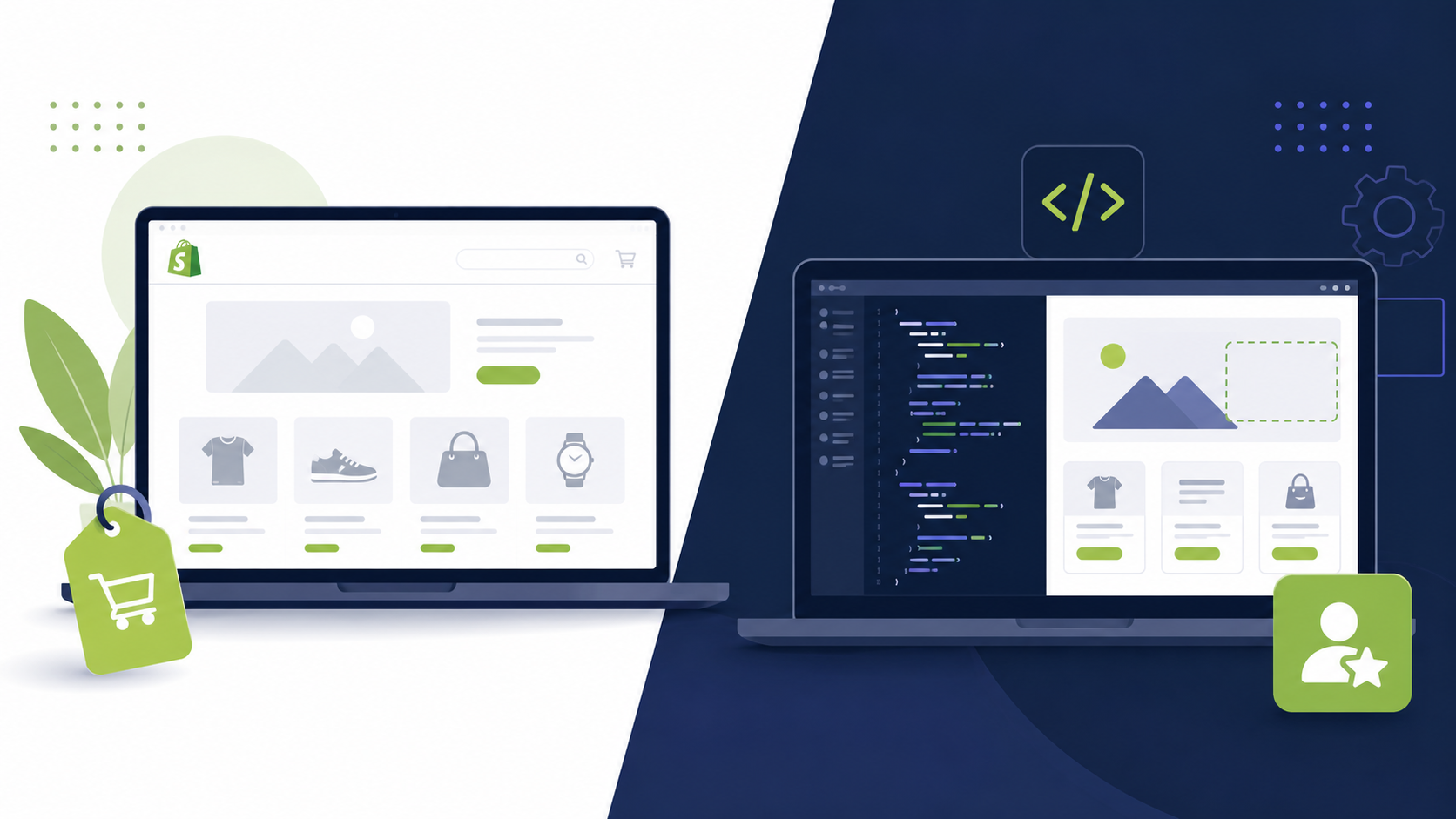
This is usually the first real decision anyone launching a Shopify store has to make, and it gets made too fast. Most people either buy the first theme that looks good in the demo, or they hire a developer before they even know what they are trying to build. Both mistakes are expensive in different ways. Here is how to actually decide.
Why This Decision Matters More Than It Seems
A Shopify theme is not just a look. It is the foundation your entire store runs on, your speed, your mobile experience, how easy your products are to buy, and how much room you have to grow before you hit a wall. Choosing the wrong starting point does not just cost money, it costs the months you spend working around limitations you did not know you were signing up for.
The good news is this decision is simpler than it feels once you separate what you actually need right now from what you think you might need someday.

One line test: If a good looking theme could realistically sell your product today, buy the theme. If your business model or brand genuinely needs something a theme cannot do, hire a developer.
What Buying a Shopify Theme Actually Gets You
A premium theme from the Shopify Theme Store is pre built, tested code that already handles the fundamentals, responsive layouts, working cart and checkout flow, common sections like product grids and testimonials, and reasonable page speed out of the box.
You install it, customize it through settings, and you are usually live within a few days. There is no waiting on a developer's schedule, no back and forth on revisions, and no risk of a project stalling halfway through. For a new store trying to validate whether a product sells at all, this speed is often worth more than a perfect design.
What Hiring a Developer Actually Gets You
Hiring a developer means someone writes code specifically for your store, whether that is a full custom theme built from a Figma design, or targeted custom sections added to an existing theme. This covers things no theme was ever designed to do, custom product logic, unique layouts pixel matched to your brand, integrations with specific apps or data, and performance tuning built around your actual catalog rather than a generic demo.
It takes longer and costs more, but it removes the ceiling a theme puts on what your store can look like and do. If your brand is the product, this is usually where the investment starts to pay for itself.
Key Differences at a Glance
Fast setup, lower cost, limited to existing settings
Built for your brand, higher cost, longer timeline
Theme: new stores. Developer: scaling or established brands
Signs You Should Just Buy a Theme
- You have not validated your product or offer yet
- Your budget for the store itself is under a few hundred dollars
- You need to launch within days, not weeks
- Your product photography and copy are standard enough that a template layout will showcase them fine
- You are comfortable using the theme editor yourself for ongoing changes
Signs You Should Hire a Developer
- You already have sales and traffic, and your current theme is holding back conversions
- You have a specific brand identity or Figma design that no theme matches
- You need functionality no reliable app or theme setting covers
- Your store feels slow, generic, or visibly similar to competitors using the same theme
- You are raising investment or building a brand where the store itself is a trust signal

Common mistake: Hiring a developer for a full custom build before you know if your product sells. Validate first with a theme, then invest in custom work once you know what is actually worth building around.
The Middle Path Most Stores Actually Take
Most successful stores do not pick one option forever. They launch on a paid theme, get real sales data, and then hire a developer for targeted custom sections once they know exactly which parts of the store are costing them conversions. This keeps early costs low while still leaving room to go fully custom later without starting over.
A good developer can also work with your existing theme rather than replacing it, customizing what already works through settings and only writing new code for the specific parts that need it. This often costs a fraction of a full custom build.
Cost and Timeline Comparison
Here is a realistic range based on typical project scope.
Free or premium theme, self setup (1 to 3 days)
Theme plus custom sections (3 to 7 business days)
Full custom theme, Figma to Shopify (2 to 4 weeks)
The right budget is whatever gets your store live and selling without spending money on polish your current sales volume cannot justify yet.
Frequently Asked Questions
Buy a theme if your store is new, your budget is tight, and a good looking template is enough to get you selling. Hire a developer if you already have traffic, a specific design in mind, or your theme is limiting sales, since a developer solves problems a theme cannot.
A premium Shopify theme usually costs between 200 and 400 dollars as a one time purchase. Hiring a developer for a custom build typically ranges from 3,000 to 8,000 dollars depending on scope, with smaller custom sections costing 500 to 2,500 dollars.
Yes, and this is one of the most common paths. Many store owners launch on a paid theme to validate their business, then bring in a developer once they have consistent sales and a clearer picture of what custom features actually move revenue.
For many businesses, yes. A well built premium theme from the Shopify Theme Store is fast, mobile optimized, and covers most standard ecommerce needs. It only becomes a limitation once you need something the theme editor was never built to do.
Hiring a developer makes sense when you have a specific Figma design, need custom functionality no app covers well, are losing sales to a slow or generic looking store, or your current theme cannot support the customer experience you are trying to build.
Final Word
Buying a theme and hiring a developer are not rival choices, they are two stages most stores move through in order. A theme gets you live fast and proves whether your product sells. A developer takes over once your store's growth depends on something a template was never built to deliver.
The fastest way to know where you actually stand is to describe your store and your goals to someone who can look honestly at whether a theme still fits, or whether it is time to build something around your brand instead.