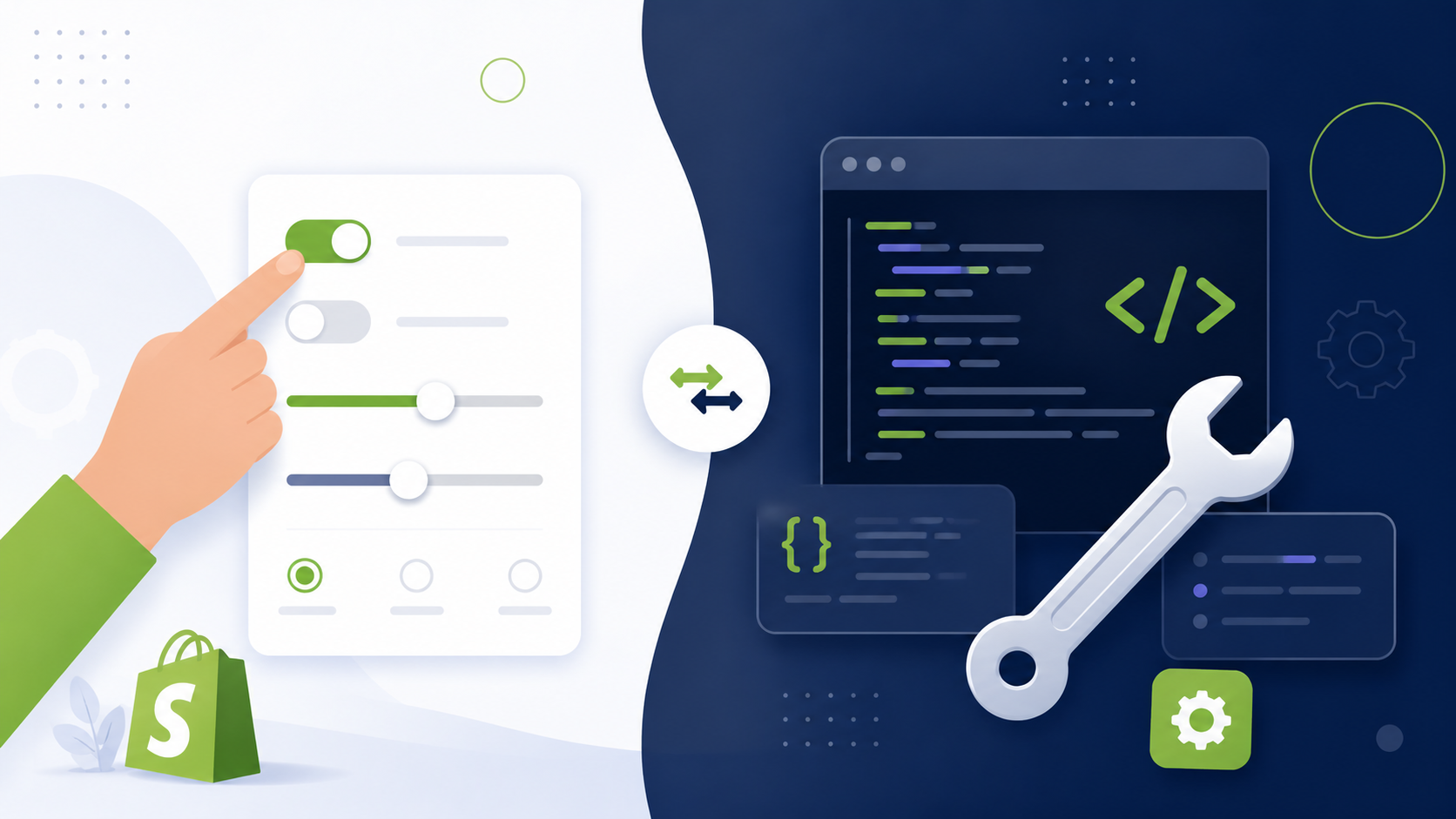
Every store owner eventually opens the theme editor and wonders how far they can push it before they need to call in help. Some changes really are safe to make yourself. Others quietly turn into hours of frustration that a developer would have solved in minutes. Here is how to tell which side of that line your next change falls on.
The Real Question Behind This One
This is not really a skill question, it is a boundary question. Shopify's theme editor is genuinely powerful, but it is powerful only within the settings your specific theme was built to expose. Once you understand where that boundary sits, deciding between DIY and hiring becomes far easier.

One line test: If the change exists as a setting, block, or section option already, it is DIY. If you would need new code to make it happen, it is time to hire.
What You Can Safely DIY
- Changing colors, fonts, and button styles through theme settings
- Swapping product, banner, and background images
- Reordering sections that already exist on a page
- Editing text, headlines, and button labels
- Turning existing features on or off, such as a newsletter block or announcement bar
These changes live entirely inside the theme editor, are easy to undo, and rarely put your live store at risk.
Where DIY Starts to Break Down
Problems usually start once you try editing the theme's actual code files, either directly or by copying a snippet you found online without fully understanding it. Liquid code depends heavily on correct structure, and a small mistake can affect an entire page, or in some cases, the whole store.
It also shows up when you try to force a look the theme was not built for by stacking multiple apps on top of each other, which often slows the store down and still falls short of what you were trying to achieve.
What Hiring a Pro Actually Solves
A developer writes new Liquid code for whatever your theme editor cannot do, matches a specific design exactly rather than approximating it with available settings, tests changes properly on a duplicate theme before touching your live store, and can spot performance issues a store owner might never notice until sales start slipping.
A Quick Self Check Before You Decide
- Does this setting already exist somewhere in my theme editor? If yes, DIY.
- Would I need to copy code from a tutorial without fully understanding it? If yes, hire.
- Am I trying to match a specific design exactly? If yes, hire.
- Is this change easy to undo if it goes wrong? If yes, DIY is low risk.
- Have I already tried three apps to get this result? If yes, a developer will likely be faster.

Common mistake: Editing theme code directly on your live theme instead of duplicating it first. Always work on a copy so your storefront stays untouched while you test.
Risks of DIY Gone Wrong
A broken code edit can take down a section, a whole page, or in rare cases, checkout functionality, right when customers are trying to buy. Even if you catch it quickly, the time spent troubleshooting and reversing the change often costs more than hiring a developer would have in the first place.
Cost Comparison
Settings only DIY changes, no code involved
Small custom edits hired out to a developer
New custom section or feature built from scratch
Frequently Asked Questions
Customize it yourself when the change is a setting already inside your theme editor, such as colors, fonts, section order, or swapping images and text. These changes carry little risk and rarely require any code.
Hire a developer once you need something your theme editor does not offer as a setting, such as a new section type, custom conditional logic, a specific design pixel matched to a Figma file, or performance fixes that go beyond adjusting settings.
Basic settings changes rarely cause serious problems, but editing theme code directly without backing up your theme first can break your live store. Always duplicate your theme before making any code level changes yourself.
Check your store on both desktop and mobile after every change, and watch for anything that looks stretched, overlapping, or slow to load. If a setting change causes unexpected layout problems, that is often a sign you have reached the edge of what the theme editor can safely do.
For basic settings, yes, since you avoid paying for small recurring changes. For anything requiring code, attempting it yourself without experience often costs more later, either from mistakes that need fixing or time lost troubleshooting something a developer could have solved quickly.
Final Word
Theme customization does not need to be an all or nothing choice. Handle the settings level changes yourself, save your money, and bring in a developer once you hit something the theme editor was never built to do. Knowing that boundary is worth more than any tutorial you will find online.
If you are not sure which side of that boundary your next change falls on, describe it to someone who can tell you honestly in a few minutes rather than guessing and risking your live store.