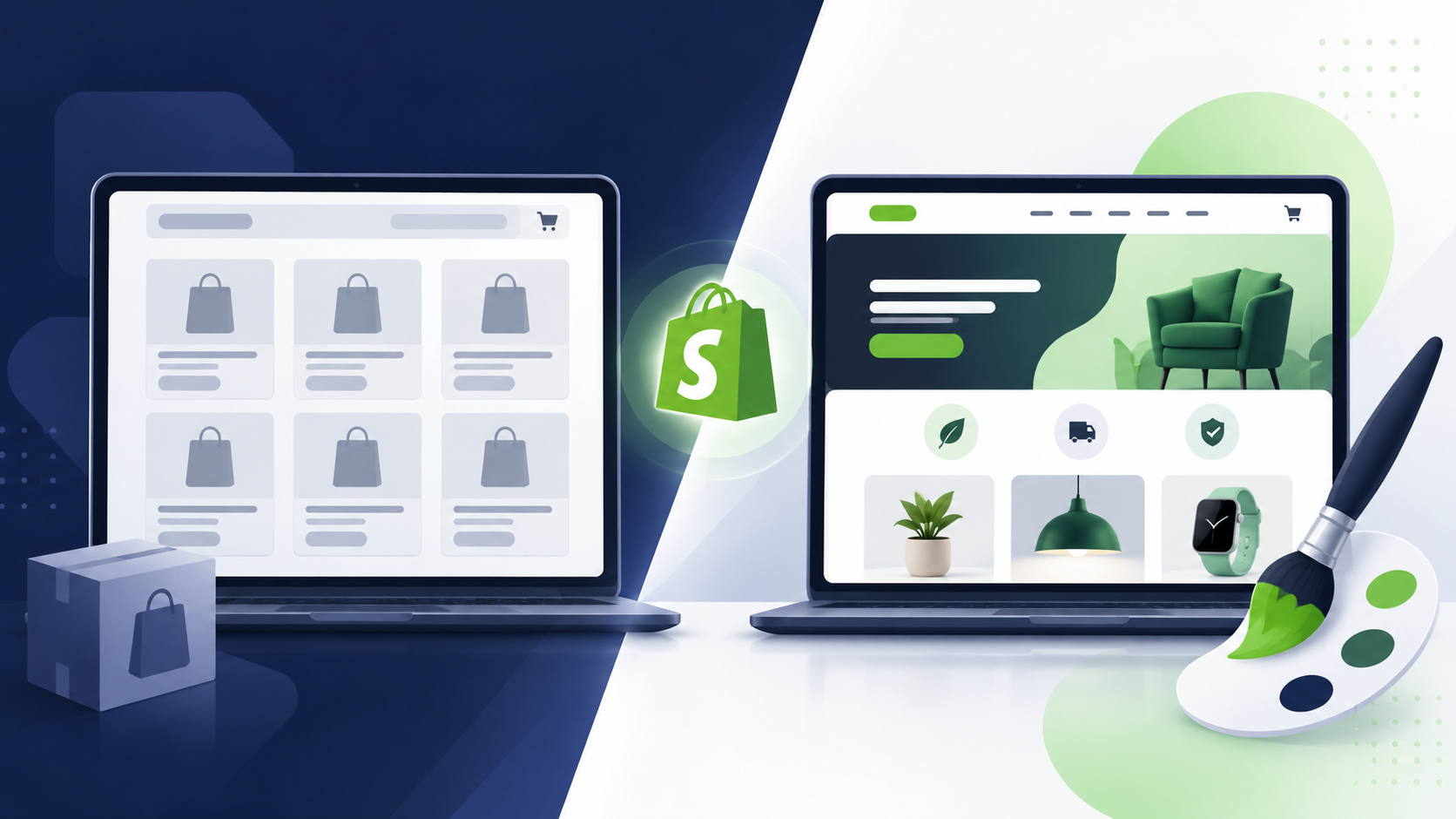
Design is where most store owners feel the pull between two instincts at once. Part of you wants to launch fast and keep costs low, so a template feels obvious. Another part of you wants your store to actually look and feel like your brand, not a shell every other seller in your niche also picked. Both instincts are valid. Here is how to figure out which one your store should listen to.
Why This Design Choice Matters
Your store's design is often the first thing a shopper judges before they read a single word of your copy. Within seconds they are already forming an opinion about whether your brand feels trustworthy, cheap, premium, or forgettable. A template can carry that job fine for many brands. For others, it quietly undersells everything the product itself does well.
The mistake most owners make is treating this as a budget question only. It is really a brand question first, and a budget question second.

One line test: If your product could sell itself on a generic looking page, a template is enough. If your brand is part of why people buy, custom design earns its cost.
What a Template Actually Gives You
A Shopify template gives you a finished layout that already works, tested across devices, with sections and settings you can adjust yourself without writing code. You choose colors, swap images, edit text, and rearrange the sections the theme already includes.
It is the fastest path from idea to a live, functional store, and for many product categories it does the job well. The tradeoff is that your layout options stay within whatever the template was built to allow.
What Custom Design Actually Gives You
Custom Shopify design means a developer builds your store to match a specific look, whether that comes from a Figma file, a brand guide, or a vision you describe in detail. Every section, spacing choice, and interaction is built around your product and your brand rather than adapted from a template someone else designed.
This gives you a store that cannot be mistaken for a competitor's, and it opens the door to layouts and interactions no template offers as a setting. The cost is time and money, since every piece is built rather than configured.
Key Differences at a Glance
Fast setup, lower cost, shared look with other stores
Unique look, higher cost, longer build time
Template: new or lean stores. Custom: brand first stores
Signs a Template Fits Your Store
- Your product sells mainly on price, availability, or utility rather than brand feel
- You are still testing whether the product sells at all
- Your budget is limited and needs to go toward ads or inventory first
- You are fine with a store that looks similar to others in your niche
- You want to make ongoing changes yourself without a developer
Signs You Need Custom Design
- Your brand identity is a real part of why customers choose you
- You have a finished design or a clear visual direction you want built exactly
- Competitors in your niche use the same popular templates and you want to stand apart
- Your product photography and story deserve a layout built specifically around them
- You are scaling and want a store that looks like it belongs at your next stage of growth

Common mistake: Trying to force a template into looking fully custom through heavy app stacking. It often slows the store down and still stops short of a true custom result.
A Blended Approach That Works
You do not have to choose one extreme. Many stores hire a developer to design just the pages that carry the most weight for conversion, usually the homepage and the product page, while leaving the rest of the store on template defaults. This puts the budget where a shopper's first impression actually forms, without paying for a fully custom build across every page.
It is also common to launch on a template first, then move to a full custom design once sales prove the product and the brand are worth investing in further.
Cost and Timeline Comparison
Here is a realistic range based on typical project scope.
Free or premium template, self styled (1 to 3 days)
Custom homepage or product page design (1 to 2 weeks)
Full custom store design, Figma to Shopify (2 to 4 weeks)
Frequently Asked Questions
Use a template if your brand does not require a unique look and you want to launch quickly on a smaller budget. Hire a developer if your brand identity is central to your sales, or if a template cannot represent your products the way you need it to.
To a point, yes. Strong photography, consistent colors, and thoughtful copy can make a template feel polished. But a template's structure and layout options stay the same underneath, so it will always share its bones with every other store using it.
A template usually costs between 200 and 400 dollars as a one time purchase. Custom design work typically starts around 3,000 dollars and can go higher depending on how many unique pages and features are included.
It can, especially in a crowded niche where competitors use the same popular templates. A shopper who has seen the same layout on another store may notice, which can quietly reduce the sense that your brand is unique.
Yes, many stores hire a developer to design and build only the pages that matter most for conversion, such as the homepage or product page, while keeping the rest of the store on template defaults. This blends cost control with a stronger first impression.
Final Word
A template and a custom design are not competing philosophies, they solve different stages of the same goal. A template gets your store live and gives shoppers something functional to buy from today. Custom design is what you reach for once your brand needs a look that belongs to it alone, not a layout shared with every other store in your category.
The fastest way to know which one your store actually needs is to show someone your products and your goals, and let them tell you honestly whether a template still fits or whether it is time to build something around your brand.